 Akita Soft

See your money before it moves.
AkitaBudget isn’t an expense tracker. It maps out your recurring commitments — bills, income, annual costs and card payments — and projects exactly what’s coming in and going out, and when.
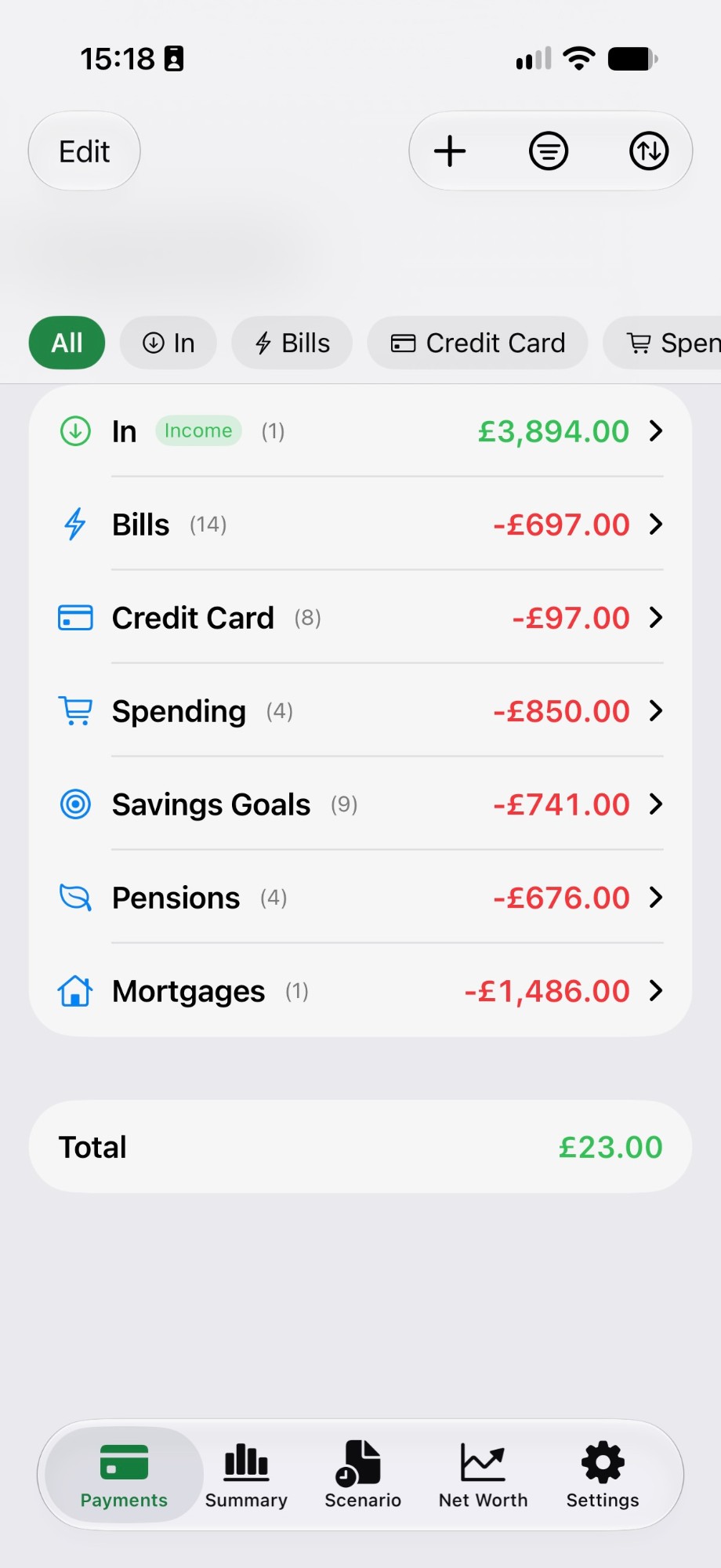
Everything you’re committed to, in one view.
Tidy buckets
Sort every commitment into Categories based on what it is and where its paid from, such as Annual, Bills, Credit Card, Income or Spending. Bucket totals and your overall total roll up automatically.
Dates and periods
Give each item an amount, a date and how often it repeats, so you always know what lands when.
Clear summaries
The Summary tab charts how your commitments break down, so the big picture is one glance away.
What-if scenarios
Test changes in a safe copy of your budget. Refresh it from your live items, or promote it when you’re happy.
Contract details
Store contract numbers, a link to manage the account and an optional expiry date alongside each item.
Private by design
No bank logins, no ads. Your figures stay on your device and sync privately through iCloud.
Try the change before you make it.
Wondering what a new car payment or a cheaper energy deal does to next year? Edit a scenario copy of your budget and watch the totals shift — your live figures stay untouched until you decide.
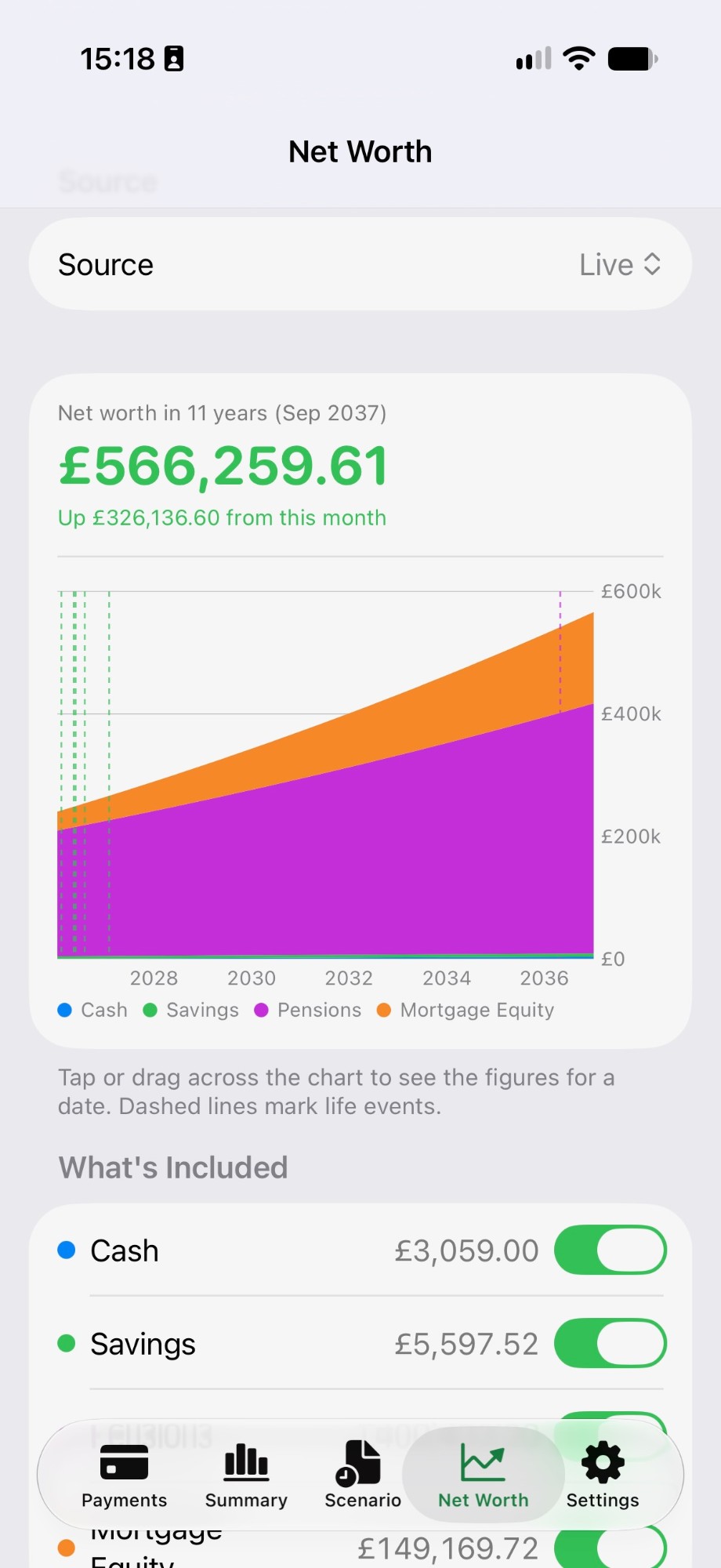
Know where you stand.
AkitaBudget for iPad. [PRICE / AVAILABILITY]